iPhone App
No sign-up needed. Logging, drawing cards, and charts are free.

Features
Love, work, life, or yourself: whenever there’s something on your mind, start here. Draw cards or log how you feel right in the middle of the conversation.
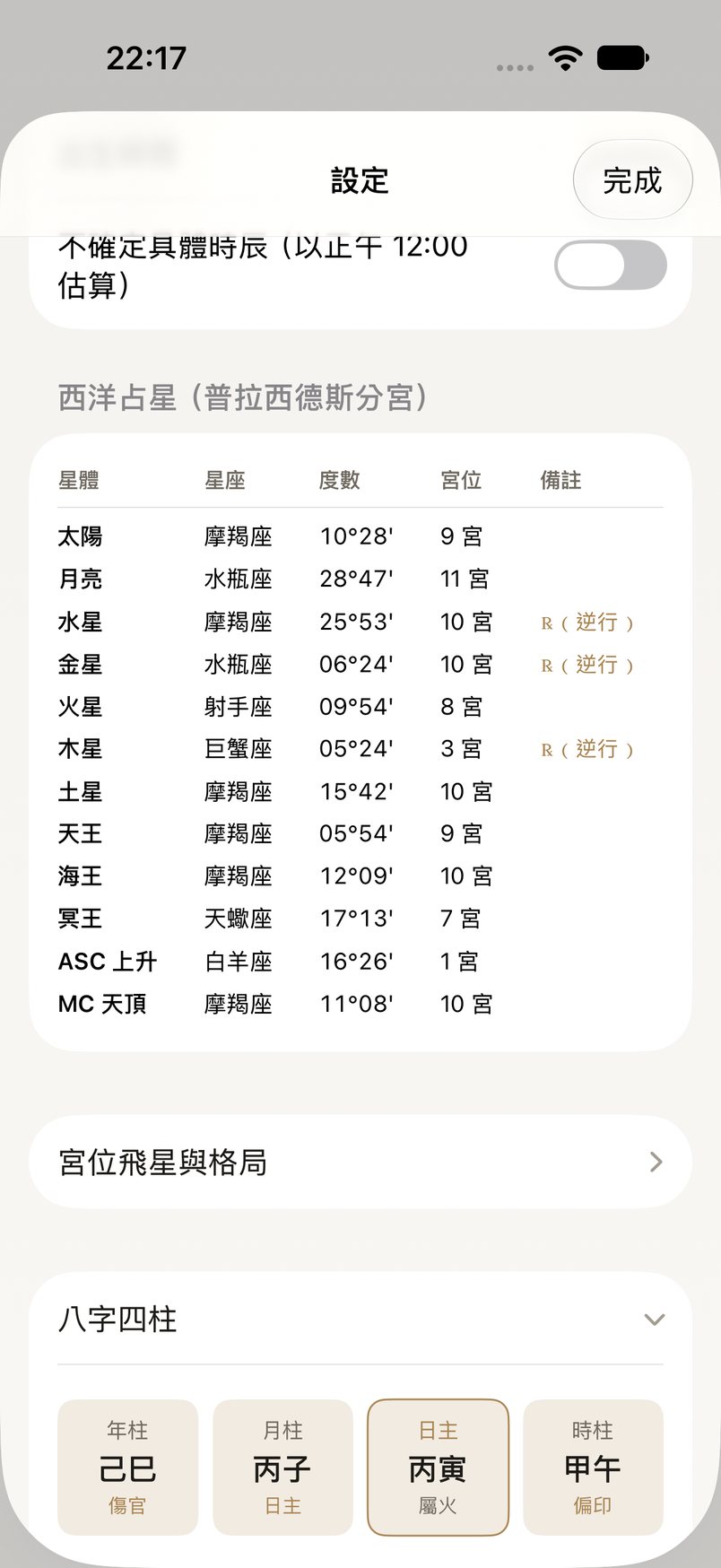
Enter your birth date, time, and city, and Panny calculates your Western natal chart and BaZi (Four Pillars, with luck cycles), then answers with your chart in mind.

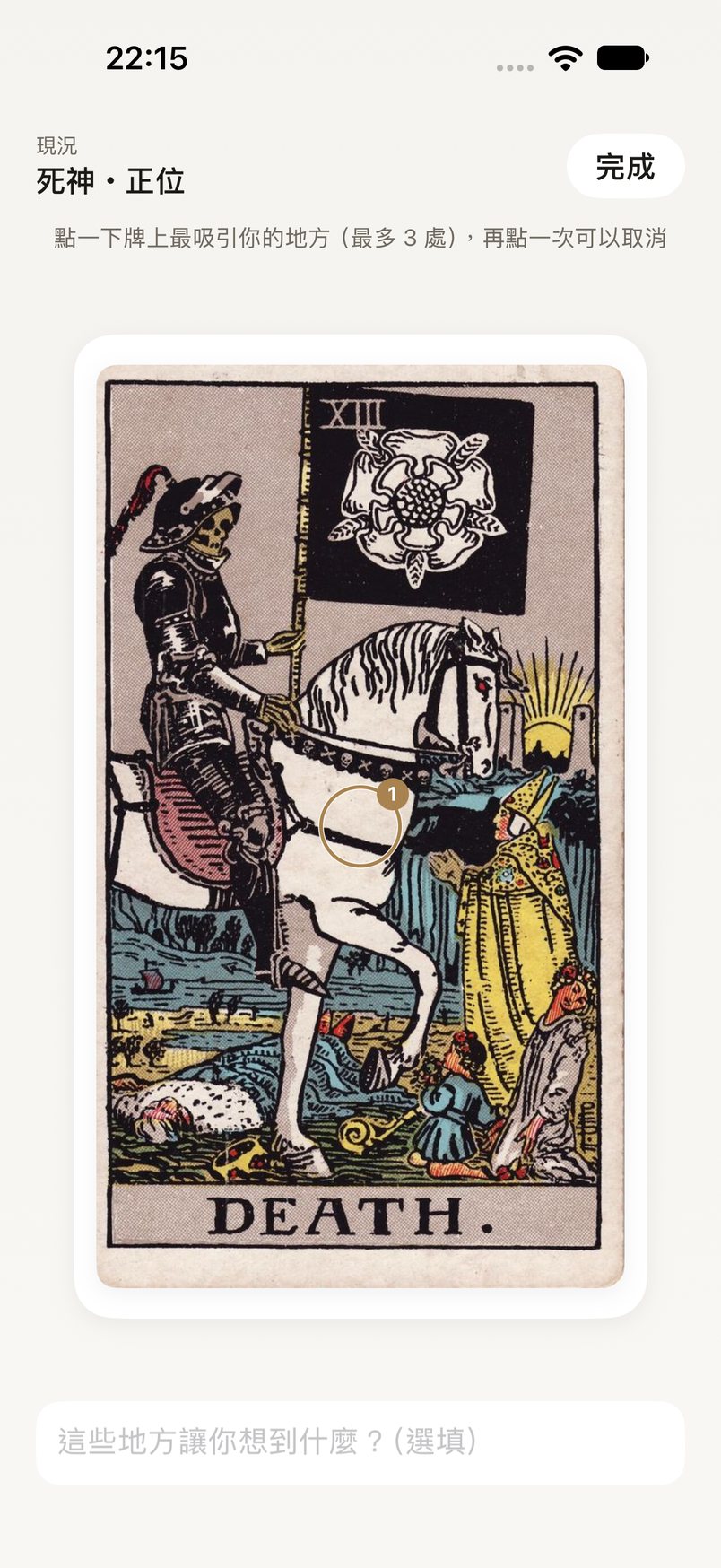
No need to pick a spread yourself. Tap “+” in the chat and choose Tarot. Panny turns what you’re talking about into a question and suggests a spread. You draw the cards yourself, then look at them together.

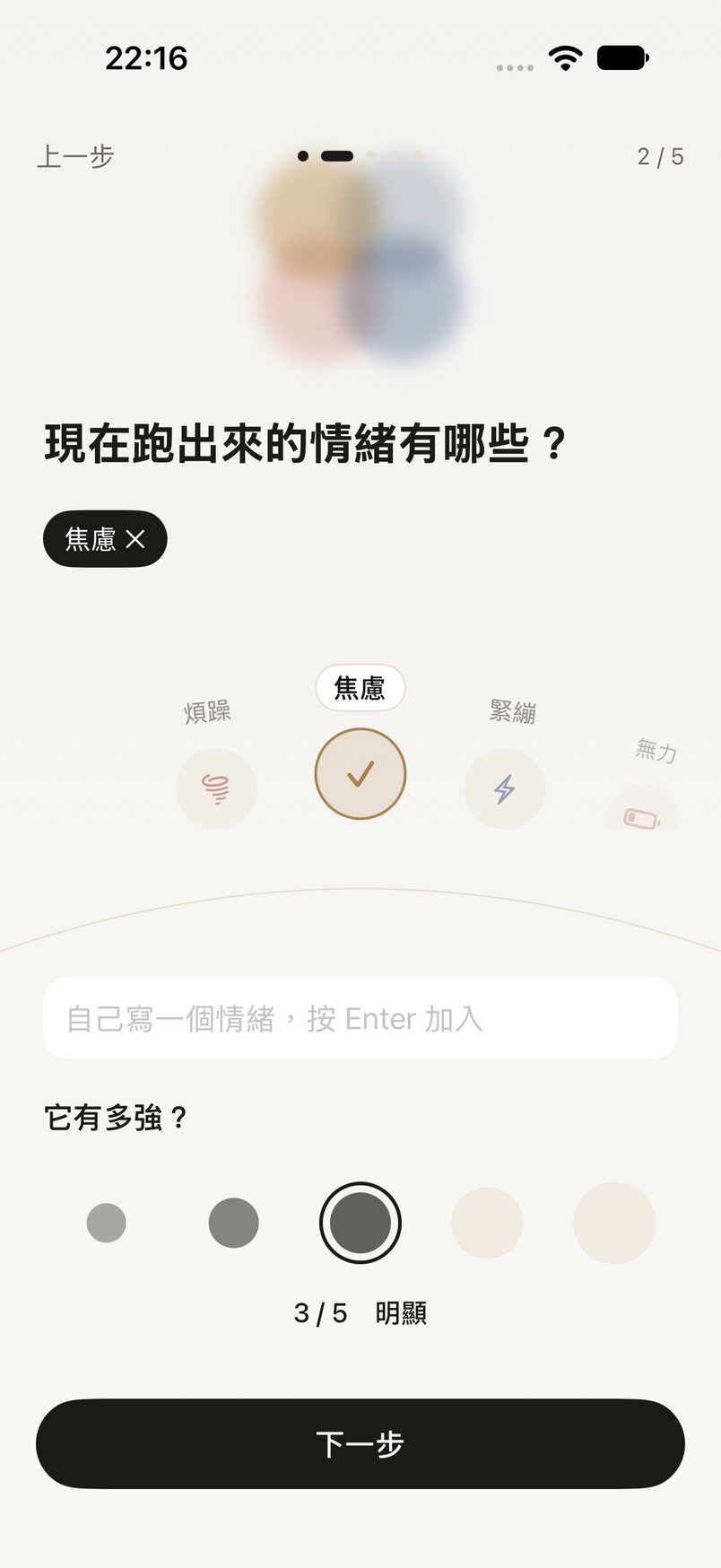
Notice your body first, then name the feeling and write down what happened. When you have a decision to make, Panny looks through your conversations and moods to find it, so you can look back on it later.

Privacy
Conversations, moods, decisions, and birth details are all kept on your iPhone. Some of it leaves your phone only when you use a feature that needs it.
Read the full Privacy Policy.
Plans
Paying only buys more AI replies. You’ll never be asked to pay after you’ve already filled everything in.
Prices are Taiwan App Store prices including tax; other regions see local App Store pricing. Subscriptions renew automatically and can be cancelled anytime in iPhone Settings › your name › Subscriptions. Payment is handled by Apple.
Panny is an AI. It can keep you company while you talk things through, journal, and sort out your thoughts. It doesn’t make psychological assessments and isn’t a substitute for professional help.
FAQ
No. Everything works without an account. Signing in (with Apple or Google) is only so you can restore from an encrypted backup when you switch phones or reinstall.
No. Cards and charts are a way to look at things from a different angle and put what you feel into words. Panny doesn’t make predictions; what matters is how you see it and what you want to do next.
Sign in for backup on your old phone, then sign in with the same account on the new one to restore. If you’d rather not sign in, use Settings › Export all data to keep your own copy.
In iPhone Settings › your name › Subscriptions, choose Panny and cancel. You can keep using your plan until the current period ends.
See the Support page, or email panny@n239.xyz。
Panny is coming soon to the App Store.
Coming soon to the App Store